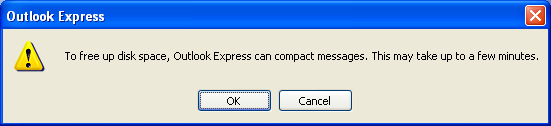
- Firstly uninstall Outlook Express from the Add/Remove Programs – Windows Components.
- Then open up the registry and find.
- HKEY_CURRENT_USER\Identities\{various text}\Software\Microsoft\Outlook Express\5.0
- In the right hand pane find “Compact Check Count”. Right-click and reset to 0.